
Connect your Instagram
Answer your Instagram direct messages from the BlueTier inbox.
Updated 5 steps
Steps
- Open Channels in the sidebar, then choose Connect a channel.
- Choose Instagram.
- Sign in with your Instagram username and password on the secure sign-in page that opens.
- If Instagram sends you a security code, enter it there.
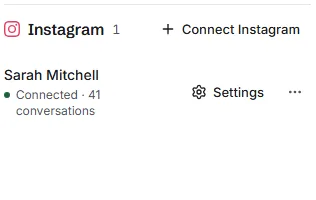
- Return to BlueTier. The account appears under Instagram as Connected.
What you will see
Your Instagram direct messages arrive in your inbox, and you can answer them from BlueTier.
Good to know
- You type your password on Instagram's sign-in screen, never into BlueTier.
Related articles
Still stuck?Contact support at info@bluetier.ai and the BlueTier team will help.