
Sign in, or reset your password
How to sign in, and what to do when you have forgotten your password.
Updated 5 steps
Steps
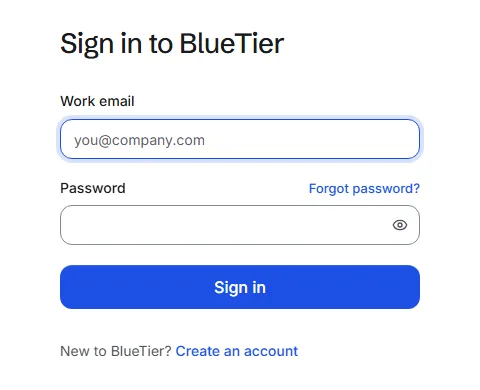
- Go to bluetier.ai and choose Sign in.
- Enter your Work email and Password, then choose Sign in.
- Forgotten it? Choose Forgot password? and enter the email you sign in with. We email you a link to choose a new password.
- Open the link in that email and choose your new password.
- Already signed in? Change your password any time from Settings, Team, Change my password.
What you will see
You land on your Overview.
Good to know
- If two-step sign-in is on, you also enter the 6-digit code from your authenticator app.
- BlueTier will never ask you for a password or a code by email or chat.
Related articles
Still stuck?Contact support at info@bluetier.ai and the BlueTier team will help.