
See which clients need attention
One list of every client you look after, with the ones that need you first.
Updated 6 stepsFor agency teams
Before you startFor BlueTier's own team, in the agency workspace.
Steps
- Open Clients.
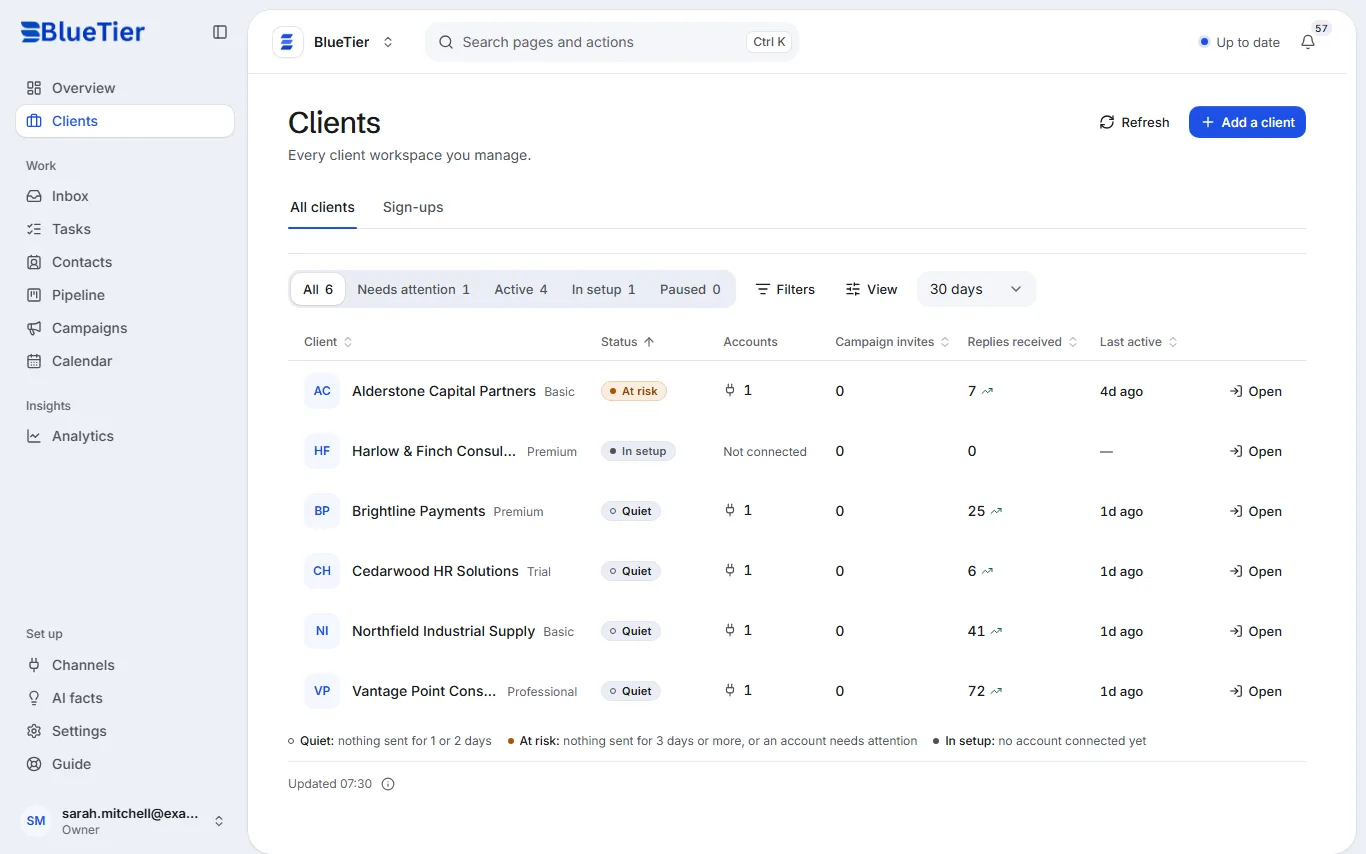
- Use the tabs above the list: Needs attention, Active, In setup and Paused.
- Read each row: status, connected accounts, invites and replies over the period, and when they were last active.
- Choose a client to open their page: their numbers, accounts, plan, portal access and activity.
- Choose Open workspace on their page to work in their inbox, campaigns and settings.
- For every client's numbers side by side, open Analytics.
What you will see
A client marked At risk has had no activity for three days or more: open it first.
Related articles
Still stuck?Contact support at info@bluetier.ai and the BlueTier team will help.