
Start, pause or resume a campaign
Starting a campaign is your approval. You can pause it at any time, and pick up where it stopped.
Updated 6 steps
Steps
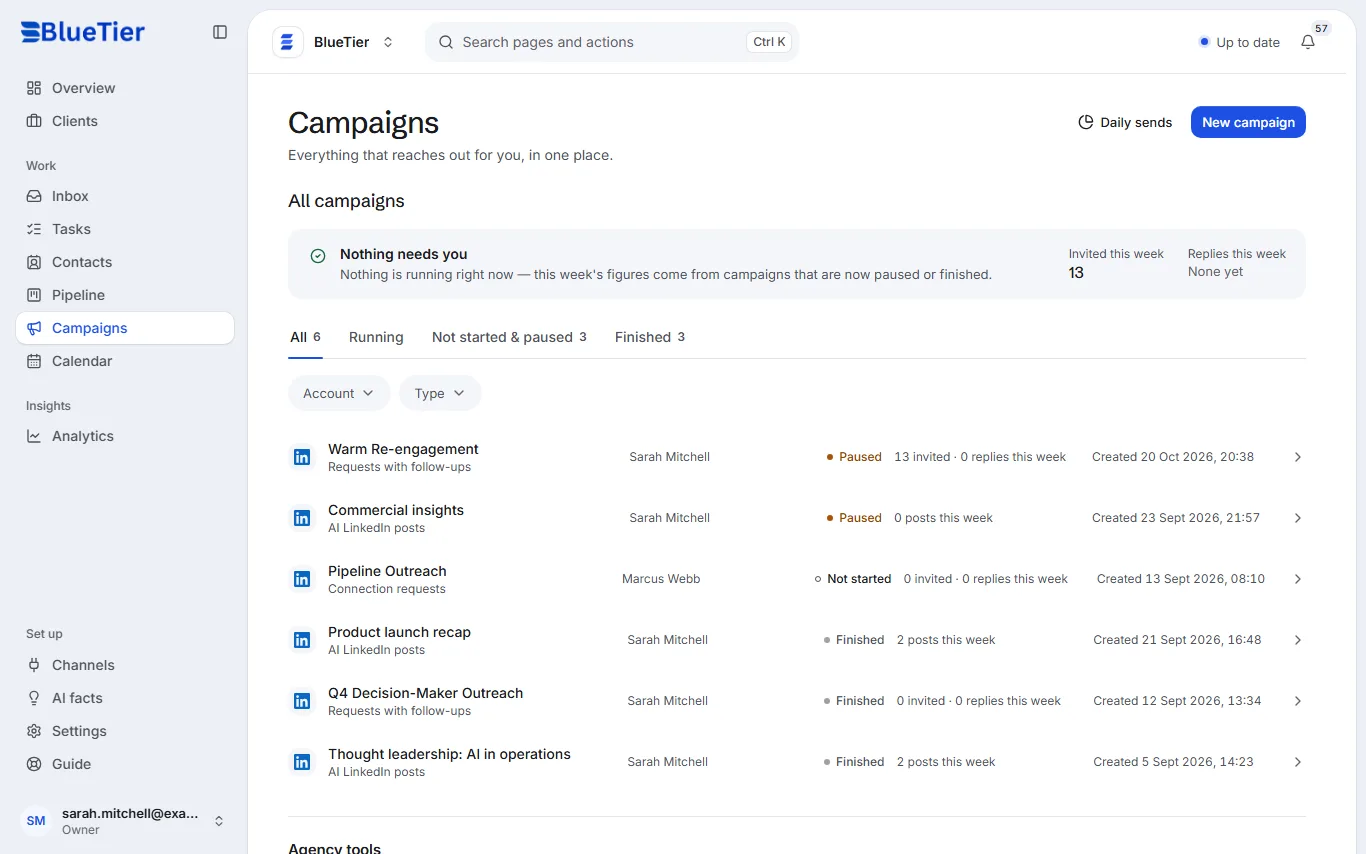
- Open Campaigns. Running, Not started & paused and Finished sort your campaigns.
- Choose a campaign to open it.
- To approve it and begin sending, choose Start campaign.
- To stop sending for now, choose Pause. Nothing more goes out until you resume.
- To carry on, choose Resume.
- To change the people, the messages or the limits, choose Edit campaign.
What you will see
The campaign's status changes in your list, and the box at the top of Campaigns tells you when anything needs you.
Good to know
- A campaign can pause itself when acceptance falls, invitations pile up or the account needs attention, and the campaign page says why.
- A running campaign cannot be deleted: pause it first. Everyone a deleted campaign already contacted goes on your do-not-contact list, so no other campaign reaches them twice.
Related articles
Still stuck?Contact support at info@bluetier.ai and the BlueTier team will help.