
Compare periods and export a report
Reports show your outreach week by week and download as a spreadsheet.
Updated 5 steps
Steps
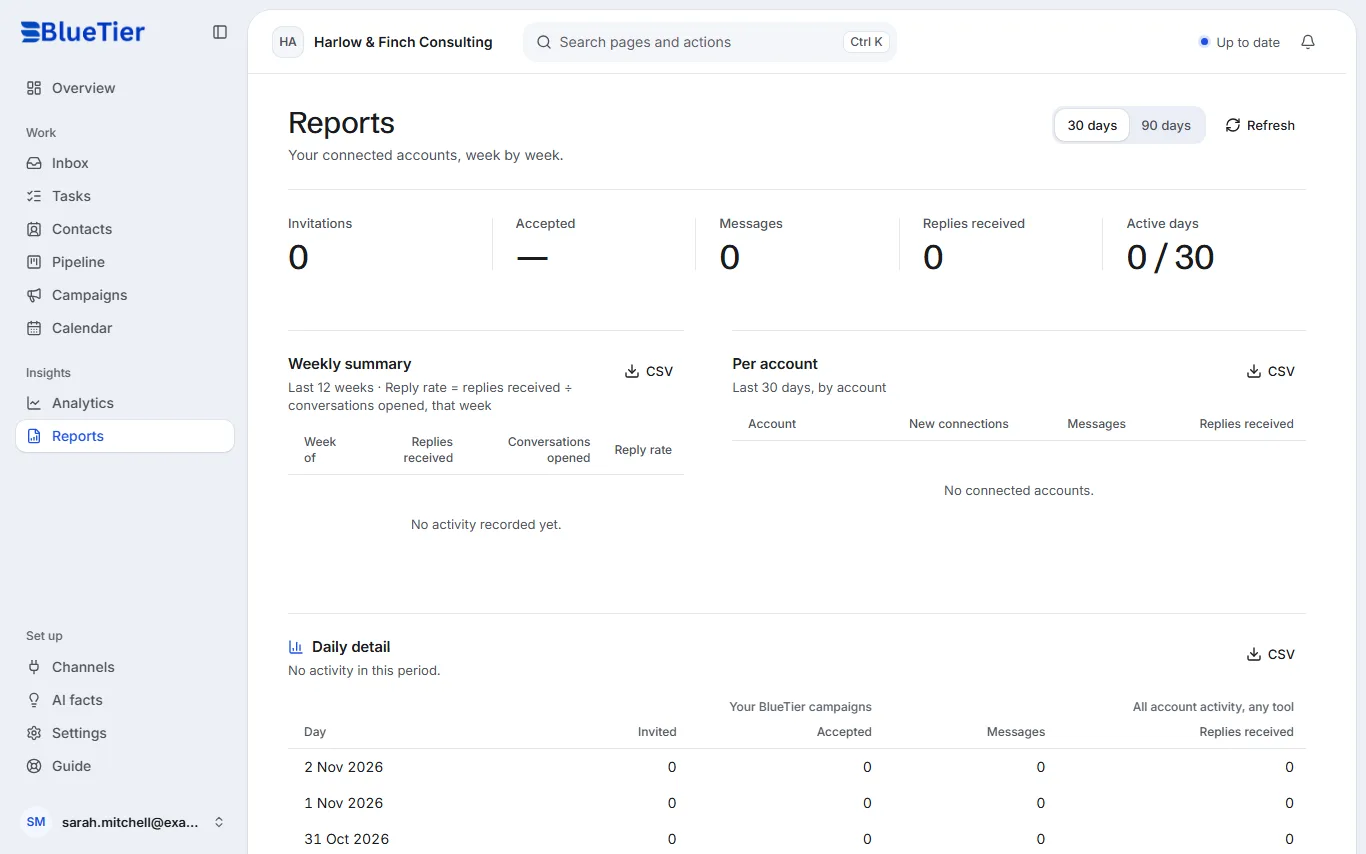
- Open Reports in the sidebar.
- Choose 30 days or 90 days.
- Read the totals at the top: invitations, accepted, messages, replies and active days.
- Weekly summary shows the last 12 weeks; Per account shows each connected account.
- Choose CSV on either table to download it.
What you will see
A CSV file downloads with the same numbers you see on screen, ready to open in Excel or Google Sheets.
Related articles
Still stuck?Contact support at info@bluetier.ai and the BlueTier team will help.