
Turn on two-step sign-in
Protect your account with a 6-digit code from your phone, on top of your password.
Updated 5 steps
Before you startInstall an authenticator app on your phone first, for example Google Authenticator, Microsoft Authenticator or 1Password.
Steps
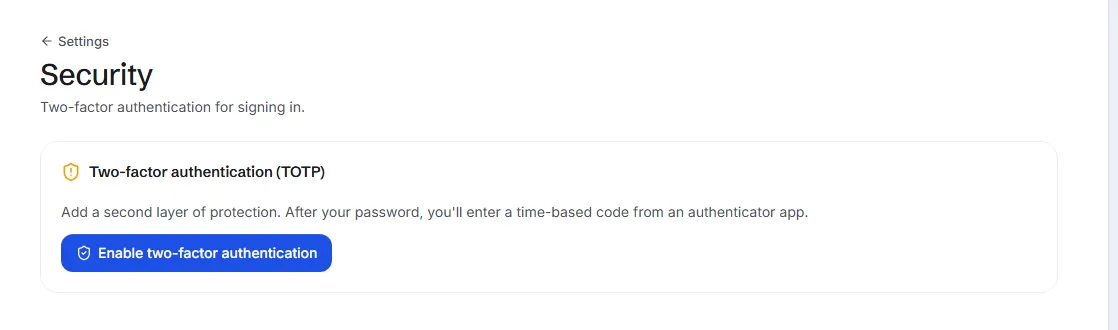
- Open Settings, then Security.
- Choose Enable two-factor authentication.
- Scan the QR code on screen with your authenticator app.
- Type the 6-digit code the app shows into Verification code.
- Choose Confirm & enable.
What you will see
From now on, after your password you enter the code your authenticator app shows at that moment.
Good to know
- Keep the authenticator app on your phone: without it you cannot finish signing in.
Related articles
Still stuck?Contact support at info@bluetier.ai and the BlueTier team will help.